Shelf Scout
Shelf Scout is our free Chrome add-on that checks real Amazon books for you, so your ideas get honest green, yellow and red lights.
Next: find your book idea
You can add Shelf Scout later; we’ll remind you when it’s needed.
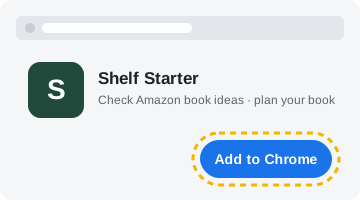 1. Add to Chrome. The button above opens the Chrome Web Store. Click the blue Add to Chrome button there, then Add extension.
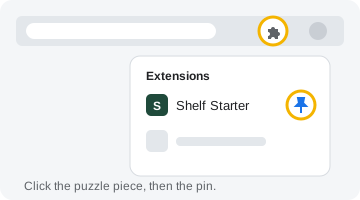 2. Pin it (optional). Click the puzzle-piece icon at the top right of Chrome, then the pin next to Shelf Scout, so it’s always one click away.
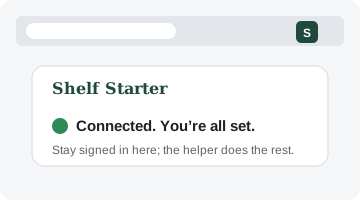 3. Come back to this tab. We’ll spot Shelf Scout by ourselves and show “Connected” above.
What it does
- Checks your ideas: “Check on Amazon” on Shelf Starter gives each idea a light based on what the top books sell and how crowded the search is.
- Analyzes any Amazon search: on an Amazon book search, click the green Shelf Starter button for a plain-English read of demand and competition.
- Helps you choose: keyword ideas, a quick idea check, and an idea finder built around your own life.
It works with your Shelf Starter plan (including the free trial) and only runs on Amazon and Shelf Starter pages. See the privacy policy for what it reads and saves.